Golden Advice for Technology Companies

In a software, IT, robotics or e-commerce office the rhythm of work differs from a classic bureau. The use of the office follows that. The headings below are not a gold ranking; they are the points that often break the workspace in a technology firm.

Choose Open Plan on Purpose
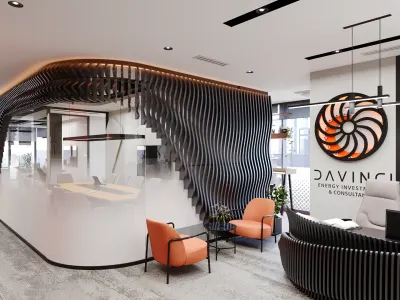
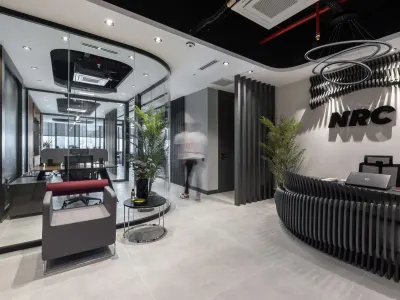
An open plan can split the floor more clearly and can cut partition cost. The claim that motivation always rises in an open office does not hold; seating works when it follows how departments talk. In a software or IT office, a collective layout is a tool, not a guaranteed result. Related: eight points in software-firm office design.
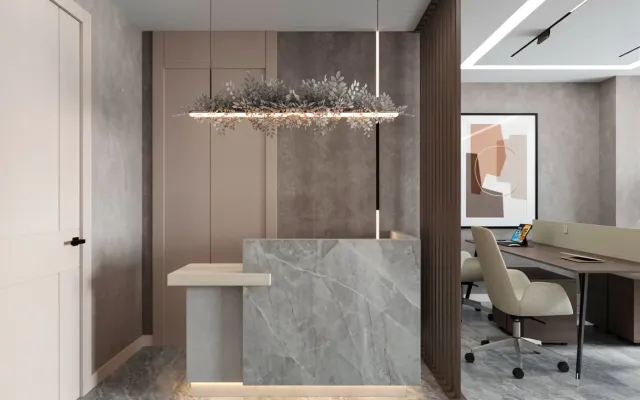
Current project: Ostim Prestij Office


Ostim Prestij Office
A Calm, Clear Atmosphere
A heavy pace plus a gloomy formality drops focus. Modern comfort that can be kept, set on a line that matches the team, lets the room breathe. Decoration here is not a window display; it is the rhythm of the workspace.
Plan Sound as Well as Sight
In an open office, sound tires a team that spends most of the day at a desk. Acoustic panels and absorbent surfaces help hold a noise band; foam alone is not the solution. The technical layer is written with the interior architect. Detail is in office sound insulation.
Build in Mobility
Sitting at the same desk and chair for hours does not have to be the only option in a technology team. A seat where legs can stretch, a standing surface and a wireless layer split the workspace into zones.
Make Room to Reset
A technology team is often not locked to a nine-to-six clerk rhythm. A corner off the desk can cut the urge to leave the office; staying in one posture also narrows the view. A comfort zone is the other face of the workspace.
Get the Plan Held in One Place
In a software or IT office, if open plan, acoustics and zones are not written in one hand, the decoration frays. As Umut GÜRLER Interior Architecture - Ankara Interior Architecture, we follow a turnkey order.
A close frame is in how a software firm's modern office should be. Finished rooms are on the office projects page.